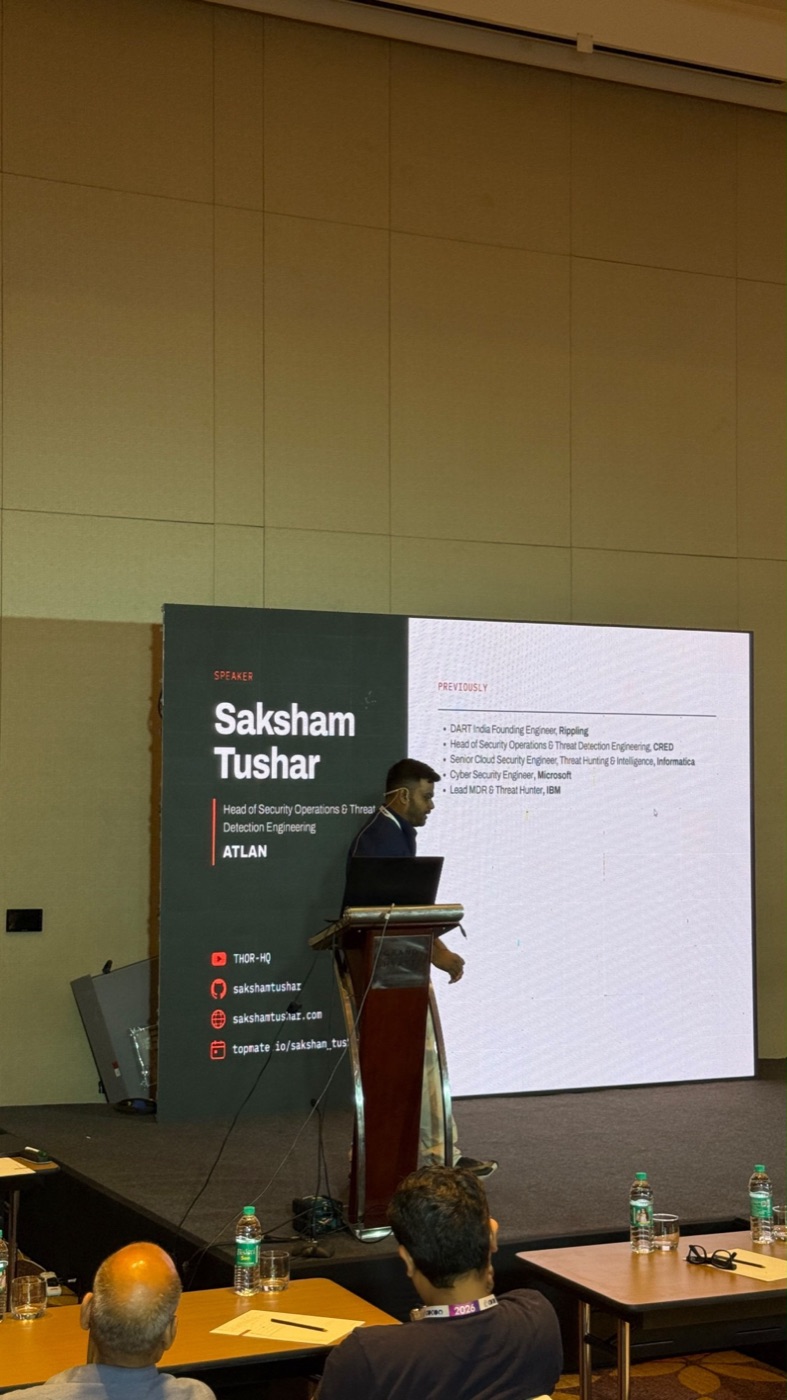
The AI Browser Blind Spot — What Comet, Leo, Gemini and Claude Leave on Disk
I presented The AI Browser Blind Spot at c0c0n 2026. This is the short version: what AI browsers and browser agents leave behind, how to collect it, and how far it can tell you who acted, the person or the agent. Everything comes from lab runs on a Windows 11 VM and a Mac, covering Perplexity Comet, Brave Leo, Gemini in Chrome, Claude in Chrome and ChatGPT for Chrome.
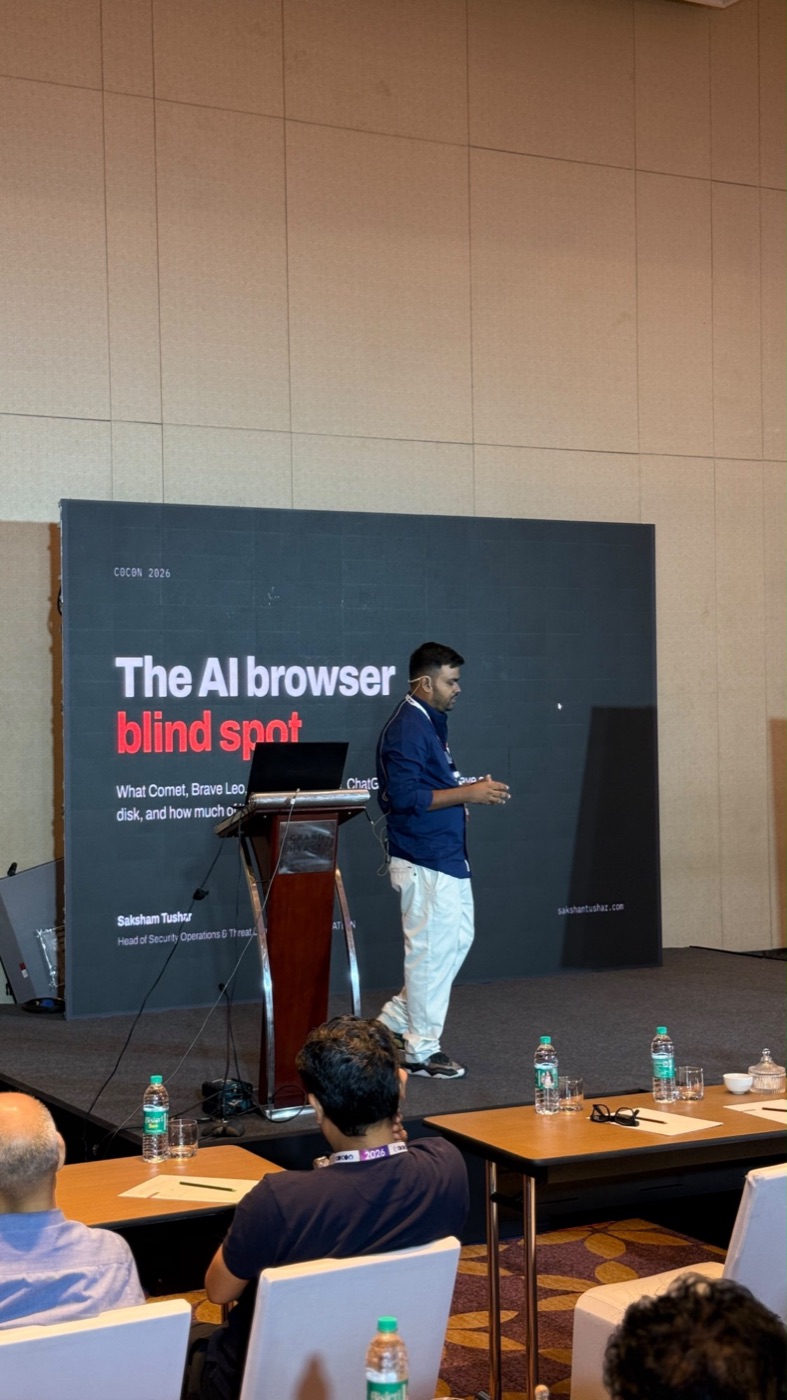
The problem
A browser triage collection grabs History, Cookies, Login Data and Cache. That was complete when the browser only rendered pages. An AI browser also stores prompts, chat history and agent permissions, and those live elsewhere. If your collection stops at the standard files, the AI layer is missing and you won't see the gap.
What I found
- Standard collection misses the AI layer. The data sits in Comet's prompt cache (IndexedDB), Brave's
AIChatdatabase, extension storage, and Gemini's separateglicstorage partition. - Comet ships its own agent. It installs three extensions on first run, one with
debuggeraccess. Chrome'sSecure Preferencesrecords them as Web Store installs, but they weren't. - History can flag some agents. Claude in Chrome's agent and Playwright scripts set the
FROM_APIbit on History visits. A person typing doesn't. Comet's agent can't be told apart from a person this way: its navigation was recorded exactly like address-bar typing. - Process and network telemetry show presence, not actions. Agents run inside the browser's normal processes. You can see that an agent was connected and roughly when, not which click was the agent's.
- Comet's Windows cookies only decrypt on the original machine because of App-Bound Encryption. Collect them live.
Person or agent?
I filled the same form as a person, as Claude in Chrome's agent, as a Playwright script and as Comet's agent, then compared History, sessions, the site's own telemetry and Elastic. One result is worth keeping in mind: the agent was not fast. The autofill landed about 55 seconds after page load, because LLM steps take time. "Too fast to be human" is not a reliable tell.
Hunt for it
The repo includes six hunts you can adapt to your own telemetry:
- a browser started by a script, and browsers launched with automation flags (ES|QL)
- History visits carrying
FROM_API(SQLite) - Comet installed, and a browser running an AI native-messaging host (ES|QL)
- an orphaned Atlas updater on macOS (shell)
Collect it
- A Velociraptor artifact,
Windows.Applications.AIBrowsers, tested on a lab VM with Velociraptor 0.77.3 - KAPE targets for Comet and Brave Leo (path resolution checked on the VM, not yet run through KAPE itself)
- A Python extractor for the AI-specific stores
Caveats
The samples are small: three runs per driver and one Comet agent run. Versions matter too (Chrome 154, Comet 152–153, Brave 1.95, Claude in Chrome 1.0.94), and storage layouts change between releases. Treat these as leads to test in your own environment. All accounts and values in the lab are throwaway data.